
Help with the game
For a problem, a purchase that did not arrive or a puzzle that seems wrong.
support@piradoku.comSomething not working, or a question about the game? Most answers are on this page. If yours is not, write to us and a person answers, usually within a few days.
For a problem, a purchase that did not arrive or a puzzle that seems wrong.
support@piradoku.comIdeas, press, partnerships and questions about your privacy.
info@piradoku.com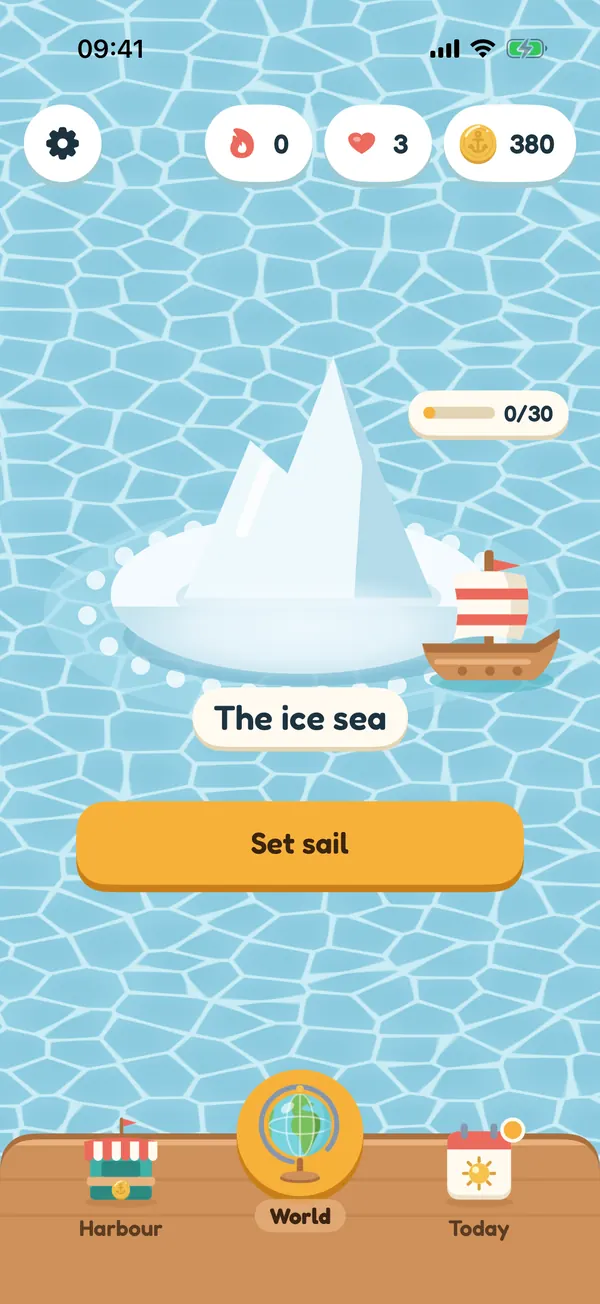
Open the harbour, go to the shop and tap Restore purchases. This brings back the shipmate pack and anything else that stays yours. If coins or compasses you paid for are missing, write to us with the date of the purchase and we will put it right.
Payments go through Apple, so refunds do too. You can ask for one at reportaproblem.apple.com or in the purchase history of your Apple account. We cannot refund App Store payments ourselves, but we are glad to help if you get stuck.
One life comes back every thirty minutes, and tapping the heart shows exactly when. In the meantime you can replay any puzzle you already solved, or play the puzzle of the day: neither ever costs a life.
Tap the check: it is free and shows where your route stopped being right. A compass lays down the next right piece. The page how to play has tips that crack most boards.
Open the settings with the gear on the home screen and choose Replay the tutorial.
In the settings of the game, tap Language. This opens the iPhone settings for Piradoku, where you can choose any of the seven languages.
Each has its own switch in the settings of the game: Notifications, Haptics and Share statistics. Notifications can also be turned off in the iPhone settings.
Your progress lives on your phone, so it disappears when the app is deleted, and it does not come along to an iPhone that was set up as new. Setting up from a backup of the old phone usually brings it back. If it went missing in another way, write to us and tell us what happened just before.
Every board has exactly one route, and each one was checked before it went into the game. Tap the check to see where your route went wrong, and remember that the route has to start at the ship and end at the treasure. Still sure something is wrong? Send us the world and the puzzle number with a screenshot and we will look into it.
Turn on Hide purchases in the settings, and the shop only shows what can be bought with coins. Screen Time and Ask to Buy on the iPhone block App Store purchases altogether.
Read what the game does and does not collect in the privacy policy, and the rules for playing in the terms of use. Many more answers are in the common questions.